n8n Job Search Workflows: Scrape, Score and Draft Letters
Quick answer
Both workflows scrape remote digital marketing jobs from Indeed with an Apify actor and have OpenAI judge each job against your resume, then draft documents only for good matches and log every job. The Airtable version runs every three days, scores jobs out of 10 with GPT-5 mini and writes a cover letter for scores of 5 or more into a Google Doc. The Google Sheets version loops over jobs in batches of five with GPT-4.1, writes a tailored resume with GPT-4.1 mini and logs matches in a sheet. Applying stays manual, and one live run stopped on Google authentication errors.
These are two November 2025 builds that I use for remote job hunting. They send your resume and job descriptions to an AI service, so keep private details out of the resume you share and check the provider’s data policy. They draft documents but do not apply for you, which I do by hand. Apify gives $5 of free monthly credit on its free plan, and the Apify link here is an affiliate link. For Apify basics, see the Apify agent skills guide.
1. Scrape the jobs
A schedule trigger runs every three days at 8 a.m. in the Airtable version; the Sheets version starts from a manual trigger. The Apify Indeed job scraper takes a country and a query: I searched the United States for remote digital marketing roles, limited to 25 jobs from the past week. Apify also has actors for LinkedIn, Google Jobs, Glassdoor and others. An n8n step then fetches the dataset items with description, company, location and salary.
2. Score the fit
In the Airtable build, GPT-5 mini scores each job out of 10 against my resume, giving points for resume fit, pay, remote work, benefits and full-time status. An if branch keeps scores of 5 or more. In the Sheets build, GPT-4.1 judges each job in batches of five and a filter keeps the good fits. The resume is read from a Google Doc, which stopped my live run with an authentication error.
3. Draft the documents
For good matches the Airtable build writes a cover letter from the listing and my resume, then creates a Google Doc and updates it with the text. The Sheets build writes a tailored resume with GPT-4.1 mini as HTML for easy copying, converts it and creates a Google Doc with a sharing permission. Cover letter files can be hard to match to jobs when a listing has no company name, so I search Drive for a likely one.
4. Track and apply
Every job goes into an Airtable table with its rating or a Google Sheet, so I can open a link and apply by hand. The Airtable version recorded all jobs, including low scores; the Sheets version logged matches.
Done when
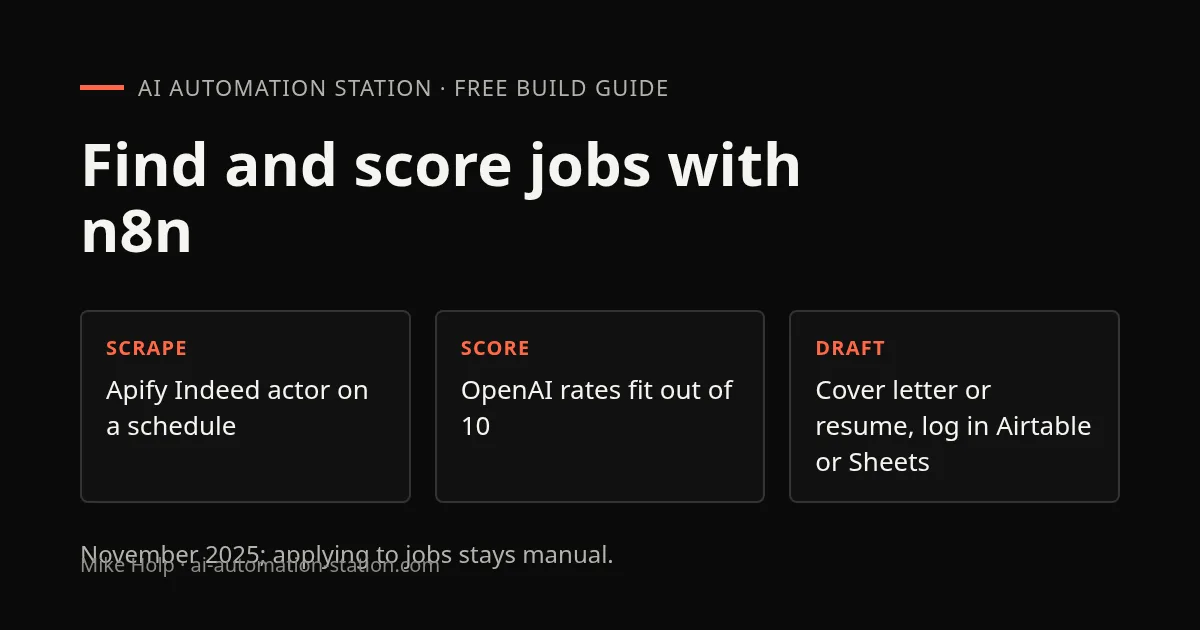
- Apify Indeed actor on a schedule
- OpenAI rates fit out of 10
- Cover letter or resume, log in Airtable or Sheets
What I didn't cover
- A complete live run of the Sheets version. Google authentication failed on camera.
- How many interviews these produce.
- Job-board terms on scraping and on AI-written applications.
Watch the walkthrough

- 0:00 Job Automation Tutorial
- 0:45 Apify Job Scraper
- 1:30 Indeed Search Setup
- 2:15 Fetch Job Data
- 3:00 OpenAI Job Scoring
- 3:45 Airtable Job Tracker
- 4:30 AI Cover Letters
- 5:15 Google Docs Integration
- 6:00 Applying To Jobs
From the video
Lines from the video's transcript that this guide does not cover, lightly trimmed. Each time opens the video at that point. Read the full transcript.
- 1:52
I'm sorting by date, and I'm only getting the latest jobs from the past 7 days. You can also choose your job level, entry, mid-level, or senior.
- 3:07
Usually 60 seconds is long enough unless you're scraping like you know hundreds or thousands of jobs. That should be sufficient.
- 13:59
It's an 8 out of 10. The salary is 70,000 to 80,000 a year and it looks like it's fully remote.
FAQ
Does it apply for jobs?
No. It finds, scores and drafts. I apply by hand.
Which score counts as a good match?
In the Airtable version, 5 out of 10 or higher.
Can it scrape other boards?
Apify has actors for LinkedIn, Google Jobs, Glassdoor and more. I only ran Indeed.
Sources
- Videos: This N8N Workflow Saves Job Seekers Hours Every Single Week! and This N8N Workflow Finds You Jobs So You Don’t Have To!
- Apify through my affiliate link: Apify · n8n: n8n.io
Build the next one with AI Income Lab
Step-by-step courses, reusable templates, and a community that answers when you get stuck.
Members get the Claude Code & Skills and Codex Tutorials & Courses lessons.
- Courses for builds like this one
- Copy-ready templates
- Ask questions while you build
- Weekly coaching on VIP


