Make.com Course: Sheets, OpenAI, Airtable, Facebook
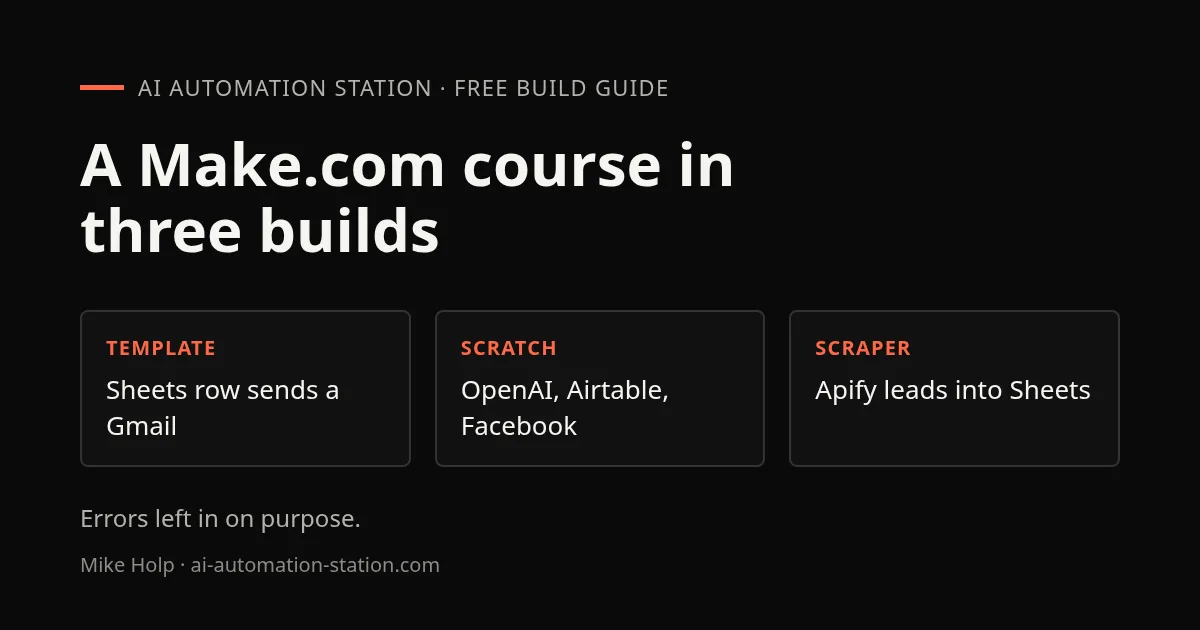
Quick answer: The recording is a Make.com beginner course in lessons: a tour of the dashboard, a template that emails a Gmail message for each new Google Sheet row, a scenario built from scratch with OpenAI, Airtable, an image model and a Facebook post, and an Apollo lead scraper through Apify that writes to Google Sheets. Errors are left in on purpose, which makes it a useful guide to fixing scenarios.
This is a June 2025 recording, so screens and prices have likely changed. If you have never built a scenario, start with Build your first Make.com automation and its free starter kit, then use this course for three bigger builds. To compare Make with other tools, see n8n vs Zapier vs Make.
1. The dashboard and operations
The first lesson tours the Make.com dashboard: operations used, scenarios, templates, connections and webhooks. Operations are the unit Make counts your usage in, so check the number when a scenario runs on a schedule. The recording said paid plans start around $10 a month for about 10,000 operations. Check Make’s pricing page for today’s numbers.
2. A template: Sheets row to Gmail
Create a scenario from a template that sends a Gmail message for each new row in a Google Sheet. Connect your Google account, point it at the sheet, and send the test to your own address before you point it at anyone else. The recording’s phone number field did not format correctly and was not fixed.
3. A scenario from scratch
The main build chains four things: an OpenAI chat completion that writes text, an Airtable record that saves it, an image model that generates a picture, and a Facebook page photo post. Errors appear in sequence and each one is a lesson:
- One image model returned a 400 error.
- Another required a verified organization before it would run.
- The Facebook photo upload failed until an HTTP step downloaded the image from its URL first.
After those were fixed the image was posted to the Facebook page. Run each module on its own before you chain them, and read the error text: it usually names the field that is wrong.
4. An Apollo lead scraper
The last build starts with search URLs stored in Airtable. Apify scrapes 100 leads for each, an iterator splits the results, and Google Sheets stores one row per lead. The live run for a head of growth search returned 100 rows. The recording gave the cost as about $1.20 per 1,000 leads on Apify with $5 of free credit each month. Check Apify’s current pricing.
Scraping people’s contact details raises legal questions. The recording did not cover the terms of service of the sources or the privacy and anti-spam rules for contacting the people you scrape. Read those for your country before you use a list like this.
What this recording did not cover
- Terms of service and privacy rules for scraping Apollo with Apify and contacting the people found.
- Exact Make.com pricing.
- A fix for the phone number field.
If you want help with your own scenario, the weekly group coaching on the VIP plan is for members working on their own builds. See what coaching includes.
Watch the walkthrough

- 0:00 Introduction to Make.com
- 0:36 Advantages of Make.com Over Competitors
- 3:16 Scenario Building: Connect & Create Automations
- 4:02 Utilizing Pre-built Templates for Quick Setup
- 5:14 Connecting APIs (Google Sheets, Airtable)
- 6:23 Building Advanced Scenarios & Error Handling
- 9:15 Automating Google Sheets with Scenarios
- 10:27 Running Scenarios & Reviewing Automations
- 12:14 Setting Up Email Automations from Spreadsheets
FAQ
How much does the Apollo lead scraping cost?
The recording gave about $1.20 per 1,000 leads on Apify, with $5 of free credit each month. Check Apify’s current pricing.
Why did the Facebook post fail at first?
The image URL had to be downloaded with an HTTP request step before the photo upload, and the first image models returned errors.
Is this good for a complete beginner?
Yes for the first two builds. The scraper is more advanced and carries legal questions the recording did not cover.
What are operations?
The unit Make uses to count usage. Each module that runs counts, so schedules and loops add up.
Sources
- Video: Make.com Tutorial: Automate Your Business in Under 15 Minutes (June 2025)
- Make.com: make.com
- Apify: apify.com
Build the next one with AI Income Lab
Step-by-step courses, reusable templates, and a community that answers when you get stuck.
Members get the Claude Code & Skills and Codex Tutorials & Courses lessons.
- Courses for builds like this one
- Copy-ready templates
- Ask questions while you build
- Weekly coaching on VIP


