Make.com Lead Scraper: Apify Apollo Actor to Google Sheets
Quick answer
Copy the URL of an Apollo people search, then in Make.com create a Google Sheet, run the Apify Apollo actor with a JSON input holding that URL and a limit of 100 leads, get the dataset items, map first name, last name, email, phone, industry, country and city into an array and iterate it into sheet rows. It ran in about 30 seconds. A sheet-name clash had to be fixed first, and the phone column came back wrong, which mattered little because I wanted the emails.
This is a short June 2025 build. I used Apify because Apollo charges a credit for every lead added to its database and had tightened its limits. Scraping a service can break its terms of use, and cold email has legal rules, so check both before you use this. I offered a template on Gumroad, which you do not need to follow the steps. Make.com, Apify and Apollo links are affiliate links. For Apollo basics, see the Apollo and Apify lead list guide.
Prices and plan names change. Confirm them on the vendor page before you buy. Checked November 15, 2026 against the Sources links below where listed.
1. Pick the actor and the search
On Apify I chose an Apollo actor that can scrape large lists, and Apify gives free monthly credit of up to $5, so small runs may cost nothing. In Apollo, set up your people search with the filters you want and copy the page URL into the actor input.
2. Build the scenario
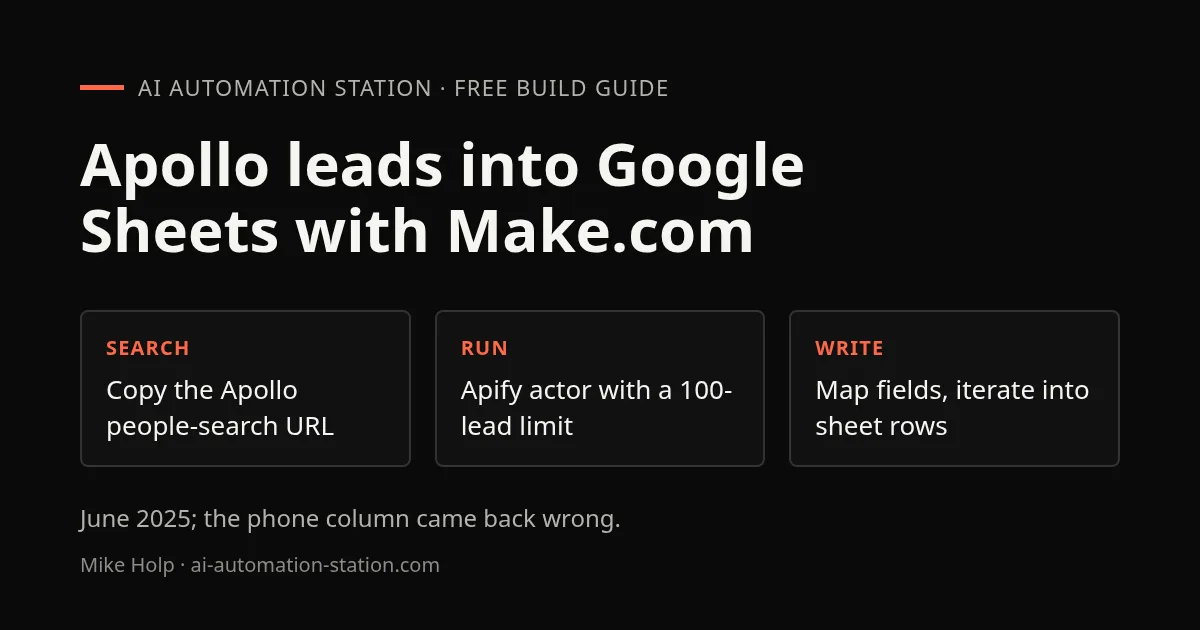
First a Google Sheets module creates a sheet called Apollo leads. Then the Apify run-actor module takes JSON with the search URL and a 100-lead limit. After it finishes, get dataset items using the ID from the previous step, put first name, last name, email, phone, industry, country and city into an array and iterate over it, adding a row per lead.
3. The two snags
The first run failed because a sheet with that name already existed, so I renamed it, and later left the name empty. After that it ran in about 30 seconds and added all 100 leads with emails. The phone number column came back wrong, so I ignored it.
4. What to do with the sheet
You can feed the emails into an email tool and use ChatGPT for the copy. Only email people you may lawfully contact, and include an unsubscribe route.
Done when
- Copy the Apollo people-search URL
- Apify actor with a 100-lead limit
- Map fields, iterate into sheet rows
What I didn't cover
- Whether scraping Apollo through Apify complies with Apollo’s terms.
- Email deliverability or reply rates from the leads.
- The exact cost per 1,000 leads. Check the actor’s page.
Watch the walkthrough

- 0:00 Introduction
- 1:07 Scraping with Amplify: Setup and Cost Benefits
- 1:48 Running Amplify to Populate Google Sheets
- 2:39 Preparing and Iterating Lead Data
- 4:33 Using AI for Email Marketing
- 5:23 Get The Make.com Template
FAQ
Why use Apify instead of Apollo credits?
Apollo charges one credit per lead added, and I had nearly used mine. Apify’s free monthly credit covered a small run.
How long did it take?
About 30 seconds for 100 leads.
Did every field work?
No. The phone column came back wrong.
Sources
- Video: Generate Qualified Leads 24/7 Without Lifting A Finger! (recorded June 2025)
- Affiliate links: Make.com · Apify · Apollo
- Make.com: make.com (Checked November 15, 2026)
- Apify: apify.com
Build the next one with AI Income Lab
Step-by-step courses, reusable templates, and a community that answers when you get stuck.
Members get the Claude Code & Skills and Codex Tutorials & Courses lessons.
- Courses for builds like this one
- Copy-ready templates
- Ask questions while you build
- Weekly coaching on VIP


