Make.com AI Agent: Tally Form Replies and Where It Stalled
Quick answer
In Make.com open AI Agents (in beta in July 2025), create an agent, connect a model with your API key, write a system prompt and give it a tool for sending email. Trigger it from a Tally form so each submission runs the agent. My agent correctly spotted who wanted a call and drafted a good reply, but it could not send it because scenario inputs were not available on my plan, so the draft was all I got.
This is a first attempt, not a polished build: I said in my walkthrough that it was my first time setting up a Make.com agent. It is from July 2025 and Make.com’s agent features have changed since, so treat the menu names as a guide. The Make.com link on this page is an affiliate link. If you only need a form-to-email flow, a plain Make.com scenario is simpler.
1. Create the agent and pick a model
Open AI Agents in Make.com (still labelled beta), choose Create an agent and connect a language model. The list included Gemini, ChatGPT and Claude, each connected with your own API key. I chose the customer service template and Claude 3.7, then saved it to create the agent.
2. Write the system prompt
My first prompt was one line: you are a professional AI assistant. It was enough to run, but better prompts say who the agent serves, what it may do and what it should do for each answer. Mine ended up deciding whether a person wanted to schedule a free AI strategy call or just join the community. To include a calendar link, add an instruction such as “provide a link to my calendar” and paste the link into the prompt.
3. Add a tool for email
Agents act through tools. I added a system tool for sending email with a description, “send an email to new Tally submissions”, so the agent knows when to use it. I noted that on my plan I could not map the email fields from scenario inputs, so the agent could not fill them in by itself. Check whether your plan includes that before building around it.
4. Run it from a Tally form
The form was the sign-up form for my community. Its key question asked whether the person wanted a free AI strategy call. Each submission also landed in Airtable and started the Make.com scenario, which ran the agent with the answers. The agent returned a reply saying the email could not be sent right now, with a clear draft: it picked up that the person wanted a call and asked for their availability. Later in the video the draft welcomed someone to the community and I added my calendar link through the prompt.
I also said that a plain scenario that gets the submission, writes a reply with ChatGPT and sends it is easier than an agent. Use an agent when the task needs choices between tools, and a fixed scenario when it does not. For the broader idea, see what an AI agent is.
Done when
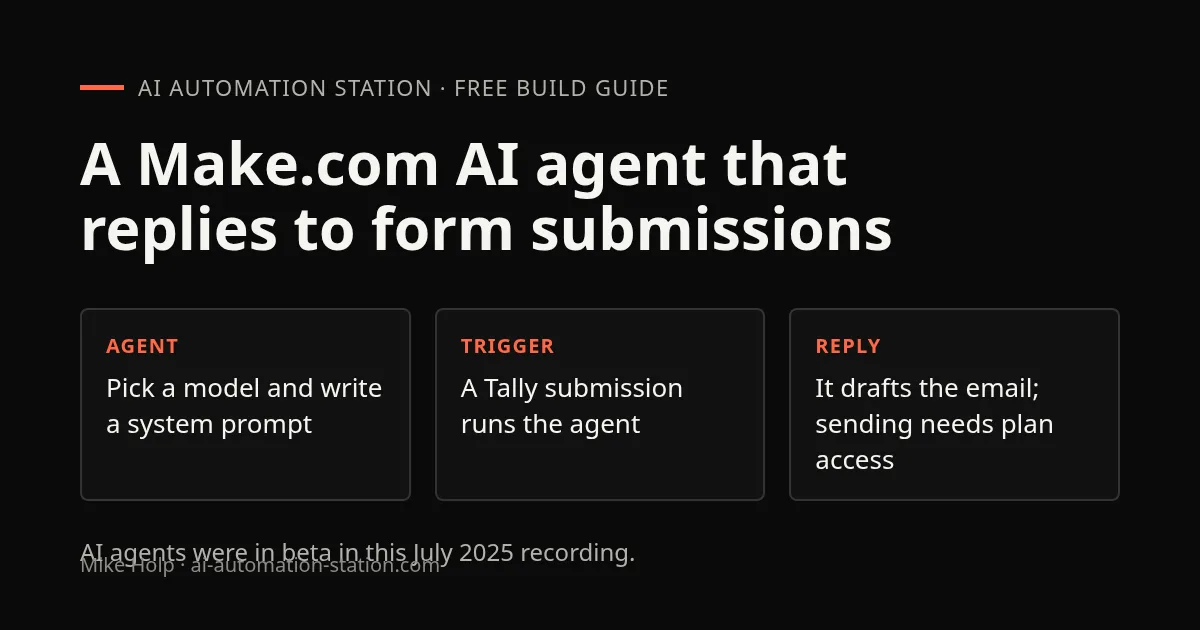
- Pick a model and write a system prompt
- A Tally submission runs the agent
- It drafts the email; sending needs plan access
What I didn't cover
- A sent email from the agent. It drafted the reply but could not send it on my plan.
- Agent cost per run. I did not look at credit use.
- Whether current Make.com plans still gate agent inputs the same way.
Watch the walkthrough

- 0:00 Introduction & Overview
- 1:09 Setting Up Your AI Agent in Make.com
- 1:49 Selecting Your Language Model
- 2:27 Crafting Effective System Prompts
- 3:16 Integrating System Tools: Sending Emails
- 5:03 Using Form Submissions as Triggers
- 6:04 Running the AI Agent & Generating Responses
- 7:49 Efficient Email Automation & Custom Variables
- 9:37 Final Setup & Testing
From the video
Lines from the video's transcript that this guide does not cover, lightly trimmed. Each time opens the video at that point. Read the full transcript.
- 3:46
If you come down to schedule setting, you're just going to set on demand. And now, it's just going to be looking for new responses in tally and then running that specific agent.
- 7:07
Generating a response with ChatGPT, I would say, is even easier than using the agent. especially since it seems like I won't actually be able to set this up on my current make.com plan.
FAQ
Do I need a paid Make.com plan for agents?
I said AI agents needed a paid plan and that the free plan only allowed two scenarios. Plans have changed since, so check Make.com’s pricing.
Which models can a Make.com agent use?
I listed Gemini, ChatGPT and Claude. I used Claude 3.7, connected with an API key.
Is an agent better than a normal scenario?
Not for this task. A scenario that gets the form answers, writes a reply and sends it is simpler, as this walkthrough said.
Sources
- Video: Build Your Own AI Agent in Make.com (Full Tutorial) (recorded July 2025)
- Sign up through my affiliate link: Make.com
- Make.com: make.com (Checked November 15, 2026)
Build the next one with AI Income Lab
Step-by-step courses, reusable templates, and a community that answers when you get stuck.
Members get the Claude Code & Skills and Codex Tutorials & Courses lessons.
- Courses for builds like this one
- Copy-ready templates
- Ask questions while you build
- Weekly coaching on VIP


