Odysseus AI Brand-Deal Agent: Research and Outreach
Quick answer
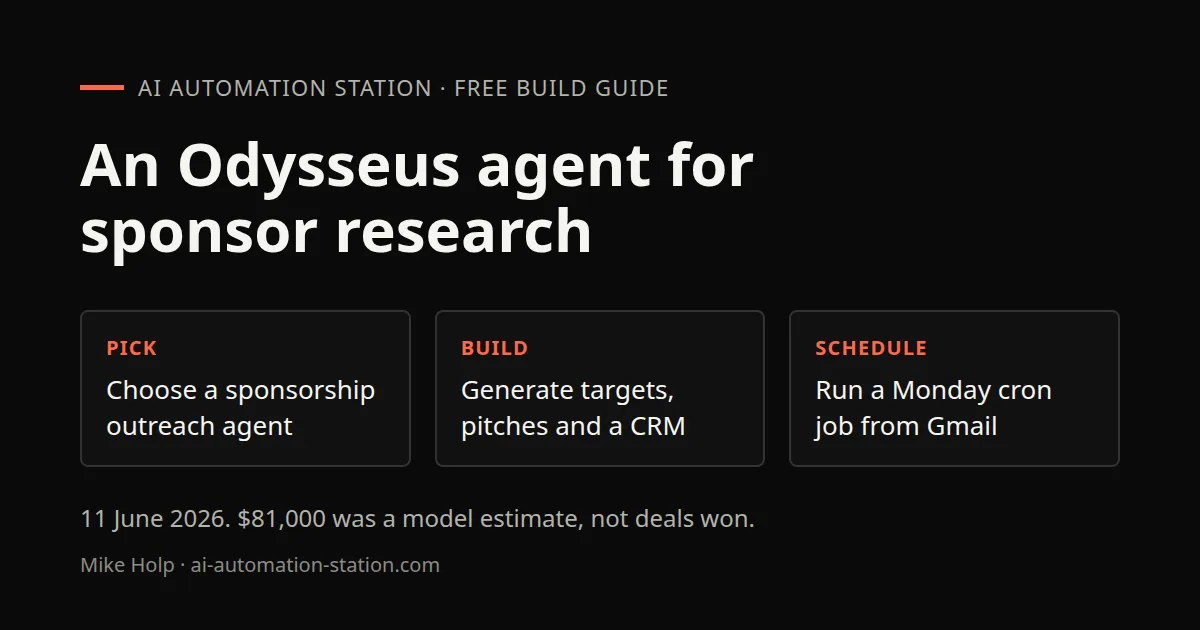
On 11 June 2026 I used Odysseus to build a sponsorship outreach agent in Node.js. It listed brand targets, drafted pitch and follow-up emails, tracked a small CRM and ran weekly by cron through connected Gmail. The $81,000 in the title was the agent's own pipeline estimate for 32 prospects, not deals won. Sponsor values and emails were model-generated and unchecked. This is the brand-deal build, not the six-build roundup and not the Odysseus Electron wrapper.
Odysseus is the self-hosted workspace I said PewDiePie announced. For install and first setup, see Odysseus AI workspace. For wrapping it in a desktop window, see the Odysseus Electron app. The six-build overview is six coding-agent builds. Description-footer affiliate links are not pasted here. The OpenCode sign-up link in the video description is an affiliate link.
1. Pick the agents
I asked Odysseus which agents to build and chose a sponsorship outreach agent and an end-to-end video pipeline agent. Existing cron jobs on the calendar included a daily LinkedIn newsletter, competitor checks, rank tracking and an evening email digest. Email was already connected.
2. Build the sponsorship project
The agent wrote project files including agent.js, youtube.js, research.js, outreach.js, pipeline.js and sponsors.json. I hit an OpenAI quota error and switched model calls to an OpenCode key, then OpenRouter with Gemini 2.5 Flash. DeepSeek V4 Pro ran inside a $10 a month OpenCode Go plan. One day of that work showed about 51 cents of usage. Those prices are what I showed on 11 June 2026.
3. Run stats, pitches and the pipeline
Commands covered stats, a dashboard, research, pitch and a report. An early run showed a pipeline of $29,000 across 12 deals. After adding more prospects it listed 32 deals totaling $81,000. Those numbers are the model's estimated values, not signed contracts. I said the emails might need a verifier.
4. Schedule Monday outreach
I scheduled a weekly cron job for Monday 9 a.m. Bangkok time to send pitches, follow-ups and a report from the connected Gmail account. I also sent a first batch during the video. Sending was still in progress at the end. Automatic cold email has consent, spam and reputation risk. Review every draft before you let a cron job send.
Done when
- Chose a sponsorship outreach agent in Odysseus
- Reviewed generated targets, pitches and CRM files
- Decided whether a Monday Gmail cron job should send
What I didn't cover
- Any deal won or any reply. The $81,000 figure is an estimate.
- Checks on sponsor values and contact emails.
- A finished send. The batch was still going out at the end.
Watch the walkthrough
- 0:00 Introduction to Odysseus
- 1:30 AI Agent Recommendations
- 2:45 End-to-End Video Pipeline
- 3:41 Sponsorship Agent Overview
- 4:12 Credit Usage & Open Code
- 5:10 Automation Cron Calendar
- 6:38 Email Integration Features
- 8:15 Building Sponsorship Code
- 12:50 Connecting Open Router
- 19:30 Automated Weekly Scheduling
From the video
Lines from the video's transcript that this guide does not cover, lightly trimmed. Each time opens the video at that point. Read the full transcript.
- 1:20
I will say that it runs quite a bit faster in the desktop app versus in the browser. So, I'm really liking this a lot.
- 3:05
It looks like I will need some more API credits for OpenAI because I'm currently getting a current quota limit being exceeded.
- 14:37
We don't have to use OpenAI for this. We could just use OpenCode, whichever model we want.
FAQ
Did the agent find $81,000 in deals?
No. That was the total of estimated sponsorship values for 32 prospects it listed. None had replied in the video.
Will it send email by itself?
The cron job was set to send from connected Gmail each Monday, and I also sent a batch during the walkthrough.
What did the OpenCode Go plan cost?
I showed a $10 a month OpenCode Go plan and about 51 cents of DeepSeek V4 Pro on that day. Check current pricing.
Is this the Odysseus desktop-app guide?
No. This page is the brand-deal agent. The Electron wrapper is a separate guide.
Sources
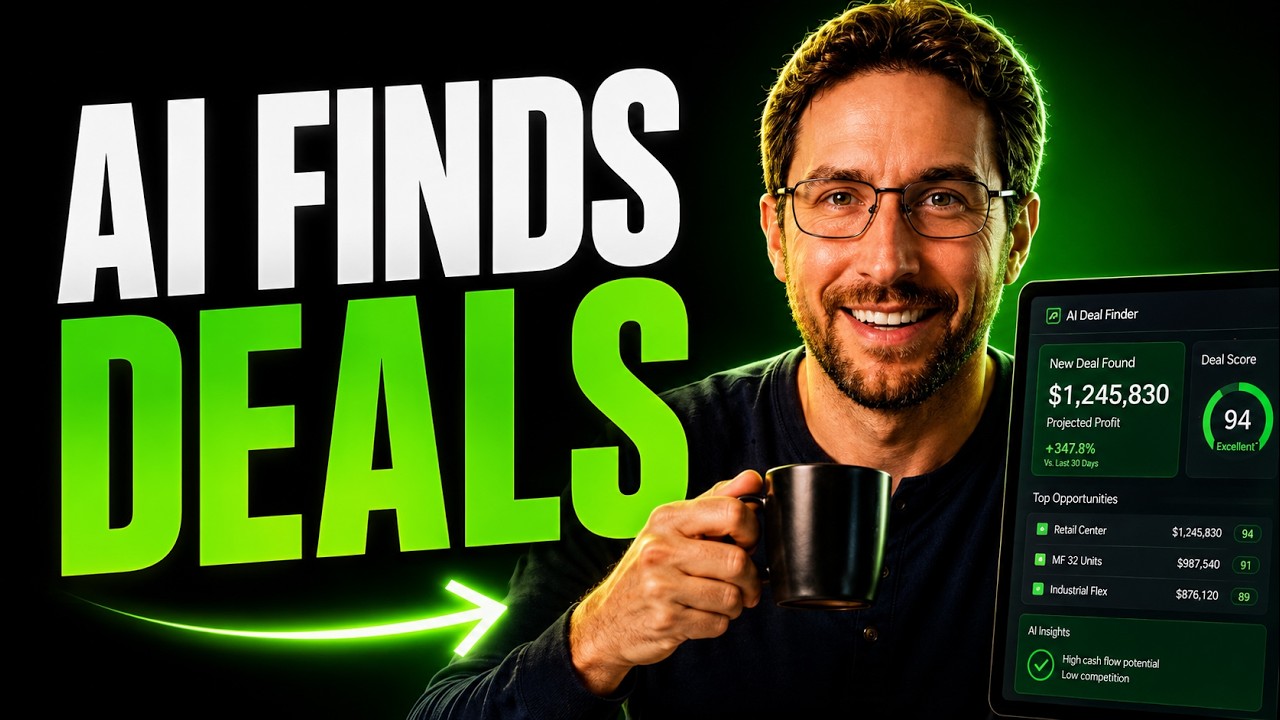
- Video: This AI Agent Found $81,000 In Brand Deals! (11 June 2026)
- Odysseus: pewdiepie-archdaemon.github.io/odysseus
Build the next one with AI Income Lab
Step-by-step courses, reusable templates, and a community that answers when you get stuck.
Members get the Claude Code & Skills and Codex Tutorials & Courses lessons.
- Courses for builds like this one
- Copy-ready templates
- Ask questions while you build
- Weekly coaching on VIP


